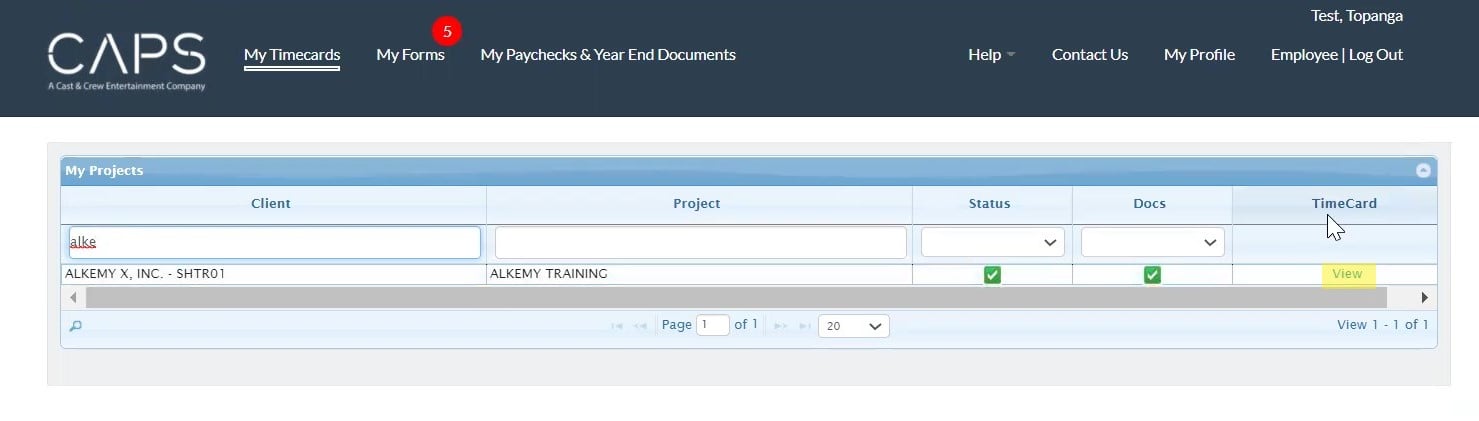
Click My Timecards in the top navigation bar. You’ll see all clients and projects you are associated with. You can narrow your view by typing a name in the blank fields under the “Client” and “Project” columns. Click View in the “TimeCard” column. Related articles TTC Online: How to Submit a Timecard as an Employee MyCast&Crew: How do I access my W-2 or T4? Need hours reported to Contract Services? Employment and Verification CAPS Pay Project Users: How to Enter Timecards